
Office Holiday Party Photos: A Consent and Privacy Guide

Yes, you can take and share photos at the office holiday party, and most companies do. What you owe the people in them is simple: tell everyone before the party that photos will be taken and where they will go, make it easy for anyone to say "not me", keep the files in one place you control, and ask again before a photo is used for anything new, such as marketing or recruiting.
This is practical guidance from people who run a photo sharing tool, not legal advice. If your company has specific concerns, ask your own counsel or your data protection officer.
Why office party photos need more thought than birthday photos
At a birthday, everyone in the room chose to be there with people they know. An office holiday party is different in a few ways that matter.
- Not everyone opted in. People come because the team is going or because skipping feels like a statement. Some would rather not appear in photos and may not feel comfortable saying so.
- There is alcohol. The photo that is funny at 10 p.m. can look very different on Monday morning, in a team chat, in front of a client.
- Phones post fast. Once a photo is on someone's public profile, getting it taken down depends on that person, not on you.
- Photos get reused. A nice team shot ends up on the careers page a year later, and nobody asked the people in it. That kind of reuse is exactly where regulators have stepped in.
- Nobody knows who holds the files. Twelve camera rolls, three group chats and a shared folder with a link that anyone could forward. When someone asks for a photo to be deleted, you cannot promise it is gone if you do not know where it is.
None of this means banning cameras. A few decisions before the party save awkward conversations after it.
What the rules actually are, by region
This sums up what we could read in the sources listed at the end. Where we could not open a source, we left the point out.
United States
There is no single federal rule about photographing employees at a company party. For ordinary snapshots of colleagues having a good time, asking first is good manners and good policy rather than a general legal requirement.
The legal questions start in two places:
- Commercial use. Putting a recognizable employee in an ad, a recruiting brochure or a paid social campaign is where US companies normally ask for a signed release. The state laws behind that practice, often called right of publicity laws, vary from state to state, so this is one to check with your counsel. The employment law firm Littler recommends getting clear written consent from employees before the company posts their images online, and posting only content that was reviewed and approved in advance to the company's own accounts.
- Biometrics, such as face recognition and automatic face tagging. Texas law defines a biometric identifier as "a retina or iris scan, fingerprint, voiceprint, or record of hand or face geometry", and says a business may not capture one for a commercial purpose unless the person is informed and consents. Washington's biometric law says the term "does not include a physical or digital photograph, video or audio recording or data generated therefrom". Illinois also has a biometric privacy law. The practical point: an ordinary photo is one thing; software that identifies faces is another. If any tool you use groups or tags people by face, ask your counsel before the party.
Two more US points. California employee data is now in scope of the California Consumer Privacy Act for covered businesses, according to the California Attorney General. And Littler notes that the National Labor Relations Board's General Counsel has said blanket bans on photographing or recording at work may violate federal labor law, while a narrower rule against photographing co-workers without permission is described as less risky (an off-site party is unlikely to raise the issue at all). In plain terms: do not ban phones; ask people to check before they photograph or post a colleague.
European Union, with Ireland as the worked example
In the EU, a photo of an identifiable person is personal data. Ireland's Data Protection Commission (DPC) says so plainly in its FAQ on event photos: "Images of individuals constitute 'personal data'".
That does not mean you need a signature from every guest. The DPC's advice is practical:
- At large events, getting consent from everyone is hard, so the organizer should use written notices that say photos are being taken, why, and how they will be used. Legitimate interests may apply as the legal basis if the photography is necessary, balanced against the people's rights and within their reasonable expectations.
- At smaller events, seeking consent is advisable.
- An opt-out that people can see works well. The DPC gives the example of a conference using green lanyards for "photos OK" and red lanyards for "no photos".
The GDPR's recitals back this up. Recital 47 ties legitimate interests to the person's "reasonable expectations ... based on their relationship with the controller". Recital 51 says photographs "should not systematically be considered" special category data; they count as biometric data only when processed by specific technical means that uniquely identify a person.
The clearest warning comes from a DPC case study. A public sector employer published an employee's photo in a workplace newsletter, a different purpose from the one it was taken for. The DPC found the employer had "further processed the individual's personal data without their consent". The DPC recommended a staff consent leaflet and a signed consent form for photos, audio and video. The lesson: agreeing to photos on the night is not agreeing to appear in the newsletter, on the website or in an ad.
The UK has its own data protection regulator, the ICO. We could not open its guidance pages when we prepared this post, so we have not quoted it here. UK readers should check the ICO's employment guidance directly or ask their data protection officer. Some EU countries also have extra rules about employee data, so a multinational should check locally.
Canada
Canada's federal privacy law, PIPEDA, applies to employee information only for federally regulated businesses, according to the Office of the Privacy Commissioner. Employee information held by provincially regulated organizations in Alberta and British Columbia is covered by those provinces' own private sector privacy laws. Under PIPEDA, "meaningful consent" means people understand the nature, purpose and consequences of what they agree to, and they can withdraw their consent later.
Australia
Australia's privacy regulator, the OAIC, explains that the employee records exemption for private employers covers only acts directly related to the employment relationship, is read narrowly, and does not cover job applicants, contractors or volunteers. Partners, plus ones and contractors at your party are not your employees, so treat their photos with the same care you would give any guest's.
The short version
| Region | What usually applies | What it means for the party |
|---|---|---|
| United States | No single federal rule for party snapshots. Commercial use and biometric capture (face recognition, face tagging) are where legal rules come in; Texas and Washington define biometrics in their own laws. | Tell people, offer an opt-out, ask in writing before any photo goes into marketing, and do not run photos through face matching without advice. |
| European Union (Ireland as the example) | A photo of a person is personal data. The Irish DPC advises notices at large events and consent at small ones; reuse for a new purpose needs a fresh ask. | Notice in the invite and on the sign, a visible opt-out, a separate written consent before marketing or newsletter use. |
| United Kingdom | Its own regulator (ICO); we could not open its pages for this post. | Follow the EU style steps above and check ICO guidance or ask your DPO. |
| Canada | Federal law covers employee information only at federally regulated businesses; Alberta and BC have their own laws. Consent must be meaningful and can be withdrawn. | Explain what the photos are for in plain words and honor a later "please remove me". |
| Australia | Employee records exemption, read narrowly; it does not cover contractors, volunteers or applicants. | Plus ones and contractors are guests, not employees. Treat everyone's photos with the same care. |
Five things to do before the party
The steps that keep you on the right side of the rules are the same ones that make people comfortable. They take about half an hour.
1. Say it in the invite
One line in the invitation is the notice the DPC talks about, delivered before anyone walks in: photos will be taken, where they go, who sees them and how to opt out. Plain words beat legal wording. Ready-made lines are below.
2. Put it on the QR sign
If guests add their own photos through a QR code, the sign is your second notice. Three short lines: what is happening, where the photos go, how to say no. Place one where everyone passes, such as the entrance or the coat check. Our QR code wording page has more sign lines, and the Christmas party photo booth ideas for the office post has a printable booth sign.
3. Give an easy, visible opt-out
The best opt-outs need no conversation. Some options:
- A sticker, a colored wristband or a lanyard color at the door for anyone who would rather not be photographed, the same idea as the DPC's red and green lanyards.
- A word to the organizer. Name one person on the invite who can be told quietly, and make sure they tell the photographer.
Many employers prefer a notice plus an easy opt-out over asking each person to sign a form for snapshots. Save the signed forms for anything that goes beyond the party, such as marketing.
4. Decide who may post what, and where
Agree this before the party, not during it, and say it in the invite:
- Company accounts (LinkedIn, Instagram, the website): only photos that were reviewed first, and only of people who said yes in writing, in line with Littler's advice above.
- Personal accounts: a simple, friendly rule such as "check with people before you post a photo of them". Avoid a blanket ban on posting or on phones; as noted above, US labor law advisers describe a narrow "ask your colleagues first" rule as less risky than a ban.
- The team chat: fine for the shared folder link, not for forwarding every photo.
5. Pick one place the files live
This is the step most teams skip, and it makes a deletion request easy to honor. Choose one folder the organizer controls, such as a folder in the organizer's Google Drive, instead of twelve camera rolls and three chats.
Then check how it is shared. In Google Drive, "Anyone with the link" means anyone on the internet who has the link can open it, according to Google's help page, and links get forwarded. "Restricted" means only the people you add. Files inherit the folder's sharing, so to limit one photo, move it to another folder.
During the party
The sign wording
Keep the sign friendly and short. Something like: "Help us fill the party album. Scan to add your photos and videos. They go to a private folder for our team. Not keen on being in photos? Grab a green sticker at the door." Swap in whatever opt-out you chose.
When someone says "please, not me"
Photographer or colleague, the answer is the same: say "of course", lower the camera, and delete the photo if one was taken. No questions, no jokes. Brief your photographer on the opt-out sticker beforehand, and ask them to set up group shots so anyone can step out without fuss.
Guests are harder to brief, so add a spoken reminder during the welcome: "Photos are going into one album. If you would rather not be in them, grab a sticker, and please check with people before you post."
The slideshow
A live slideshow on the office screen is fun, and it is also the most public place at the party. Two ways to keep it safe:
- Approve photos before they show. Some tools let the organizer approve each upload before it appears on the screen. With JollyPics this is on the Unlimited plan.
- Keep the reveal for later. Another option is to hide all uploads until the next day, which gives the organizer time to look through them first. JollyPics calls this disposable camera mode; it is on Event Plus and Unlimited.
If you have neither, keep the slideshow to the early part of the evening, or skip it.
After the party
Who gets the folder
A sensible default: the organizer reviews the photos first, then shares a selection with everyone who attended. In Google Drive, a Viewer can open every file in a shared folder but cannot change or share it, while an Editor can add, edit, delete and move files and, by default, share them, according to Google's help pages. For a party folder, Viewer is usually the right role for attendees.
Review before a gallery goes out
Take ten minutes before sharing. Remove anything showing someone with an opt-out sticker, anything from a private moment (Littler warns against posting those too), and anything you would not show a client.
Delete on request, quickly
Remove it the same day and tell the person it is done. In Google Drive, deleted files go to the Trash and are "deleted forever after 30 days"; you can also empty the Trash or delete a file forever sooner. If the owner permanently deletes a file, the people it was shared with lose access too. You cannot delete a copy someone already downloaded or posted, which is why the earlier steps matter.
No reuse for marketing without a fresh ask
The DPC newsletter case shows why. If marketing wants a party photo for LinkedIn, the careers page or a recruiting brochure, ask the people in it, in writing, for that specific use. Your counsel can tell you whether you need a formal release.
Decide how long to keep the photos
We found no single rule for party photos, so decide and write it down: for example, keep the full folder until a set date, keep a few approved favorites after that, and delete the rest. Tell people in the follow-up message.
Copy and paste: invite line, sign, note to staff and a simple policy
Adapt these to your company's voice. They are written to be friendly, not legal.
Invite line
We will take photos at the party and collect guests' photos in one private folder for the team. If you would rather not be photographed, pick up a sticker at the door or let [organizer] know, no questions asked.
QR sign line
Add your party photos here: scan, pick, upload. They go to a private team folder. Please check with people before you post a photo of them.
Note to staff from the organizer (two sentences)
Photos from Thursday's party are in our team folder: [link]. If there is one of you that you would like removed, just reply to this email and we will delete it the same day.
"Please do not include me" (a line a colleague can send)
Hi [organizer], I would prefer not to appear in photos from the party, including the shared folder and any company posts. Could you remove any that include me? Thank you.
Short internal policy paragraph a manager can adapt
At company events we may take photos, and guests may add their own to a shared folder that [team] manages. We say so in the invite and on signs, and anyone can opt out with a sticker or a word to the organizer. Photos stay in that one folder and are shared with attendees after review. Before you post a photo of a colleague on a personal account, check with them first. We will not use event photos in advertising, recruiting or public company posts without asking the people in them for that use. We delete any photo of you on request, and we keep the full folder until [date].
How JollyPics fits, honestly
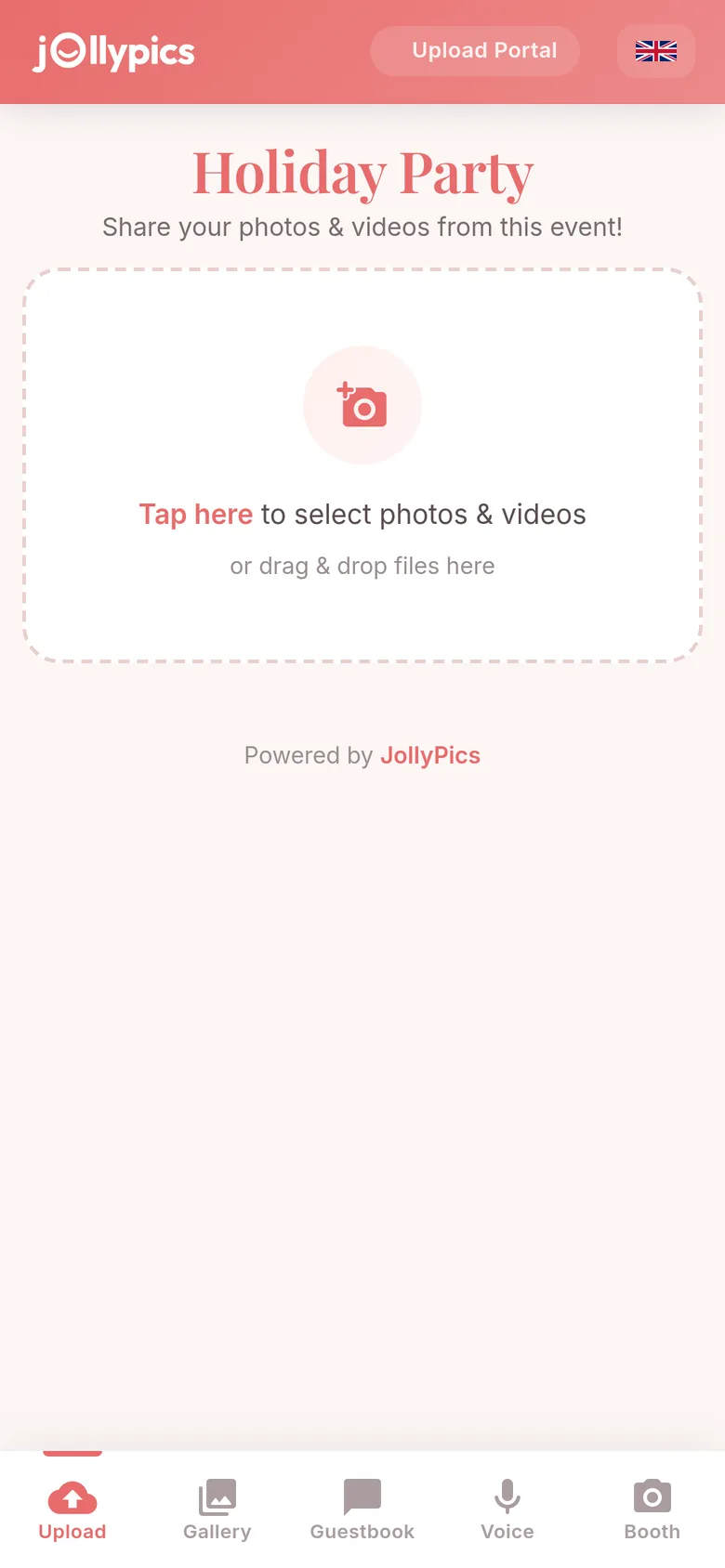
JollyPics is a QR code upload page: guests scan a code, pick photos and videos and upload them in the browser, with no app and no account, on a guest page in 9 languages. Here is what that does and does not do for privacy.
What helps
- One folder the organizer controls. Every file goes into a folder in the host's own Google Drive, and the host chooses whether it is shared with anyone. That is step 5, done by default.
- Delete any file, any time from the Drive folder, so a deletion request is quick to honor.
- Approval and a hidden gallery on Unlimited. By default, guests can see a guest gallery of the event's photos. On the Unlimited plan the host can approve every upload before it appears in the guest gallery or the slideshow, or hide the guest gallery completely so only the organizer sees the files.
- Disposable camera mode on Event Plus and Unlimited. Uploads stay hidden from guests until the host reveals them, which leaves time to review first.
- Pause uploads. The host can pause uploads when the party ends and resume them if a late photo turns up.
- A live slideshow on every paid plan, with approval on Unlimited.
What it does not do
- It does not detect faces. JollyPics does not recognize, group or tag people by face. That keeps it away from the biometric questions above, but it cannot find every photo of one person for you.
- It does not stop anyone photographing with their own camera or posting from their own phone. Your invite line, your sign and your posting rule still do that work.
- It is not a consent record. It collects photos; it does not record who agreed to what. Keep written consents for marketing use in your own files.
The free Starter plan covers one event, 50 uploads and files up to 100 MB each, enough for a small team party. Single Event, Event Plus and Unlimited are paid; see pricing and the FAQ. More on our holiday party photo sharing and corporate event photo sharing pages, and printable prompt cards in our holiday photo scavenger hunt.
FAQ
Do we need written consent from everyone to take photos at the office holiday party?
Usually not for ordinary snapshots. In the US there is no single federal rule for party photos; in Ireland the DPC advises clear notices at large events and seeking consent at smaller ones. Written consent matters most when a photo will be used for something new, such as marketing. This is practical guidance from people who run a photo sharing tool, not legal advice; for your company's situation, ask your own counsel or data protection officer.
Can we post party photos on the company LinkedIn or Instagram?
Yes, with care. Post only photos you reviewed first, and ask the people in them in writing before they appear on a company account. Littler recommends clear written consent before an employer posts employee images online, and the Irish DPC has treated reuse of a staff photo in a newsletter, without consent, as a problem.
What if someone asks us to delete a photo of them?
Delete it the same day from the folder and any company posts, tell them it is done, and ask colleagues to remove copies they posted. In Google Drive, deleted files sit in the Trash for 30 days unless you delete them forever sooner.
Can we use the party photos in next year's recruiting material?
Only with a fresh, specific yes from the people in them. Recruiting material is a new purpose and usually commercial use, and that is exactly where both the DPC case and US practice point to written consent. Ask by email, attach the photo, and keep the reply.
Is a QR photo wall different from a photographer?
Yes. You can brief a photographer on opt-out stickers; with a QR code, every guest is a photographer, so the invite, the sign and the shared screen need more care. With JollyPics, approval before photos reach the guest gallery or slideshow, and hiding the gallery, are on the Unlimited plan.